Using ScanSuite
Export to Securitm
Automatic upload of infrastructure scan reports to SGRC Securitm.
Infrastructure scanning reports can be uploaded automatically to SGRC Securitm. The following scanner reports are currently supported:
- Nessus
- OpenVAS
- Nmap
Configuration
- 01Retrieve the API token
Follow the Securitm API documentation to obtain a token.
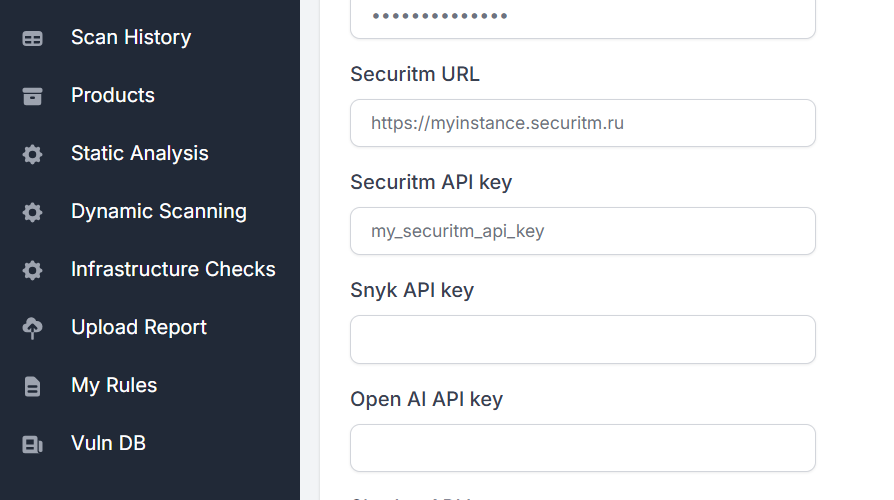
- 02Fill in the Settings fields
Enter the instance URL and API key in the Securitm section of Team integrations.
Automatic upload
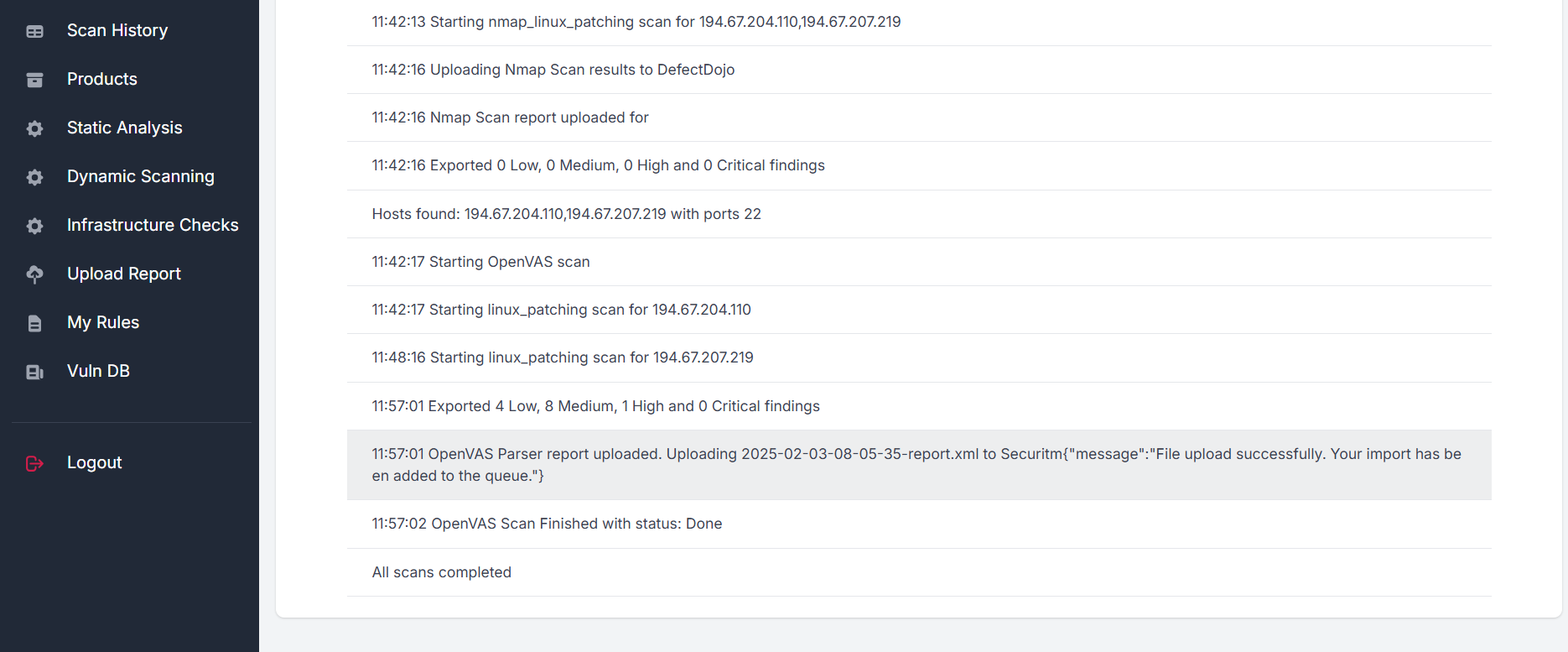
Once the values are specified, results are uploaded to Securitm automatically after each infrastructure vulnerability scan:
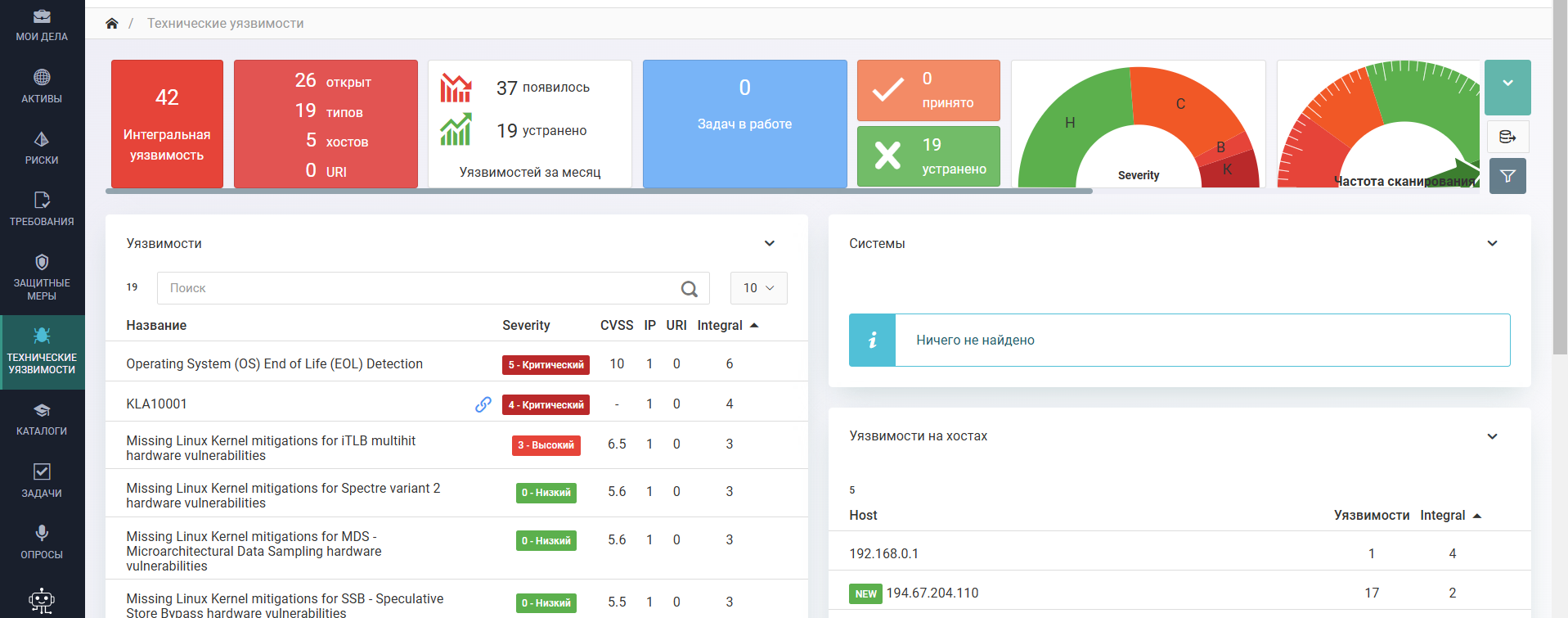
Vulnerabilities become visible in the respective Securitm chapter:
This export is specific to infrastructure scans. For the full picture of where findings can be sent, see Reports and exports.
Last reviewed 2026-08-16