Members and accounts
Adding people to a team, local accounts, password resets and invitations.
Team admins manage who can work in their team on the Members page, from the user menu at the top right. Everything on this page applies to the current team only; see Teams and roles for what each role can do.
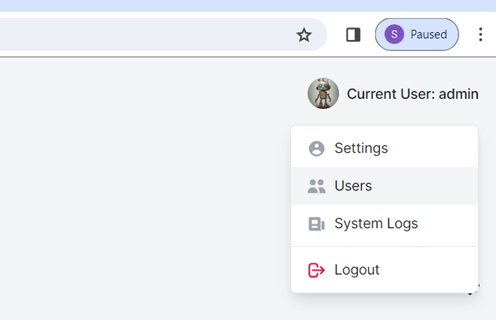
Changes to access need a recent sign-in. If ScanSuite asks you to sign in again, do so and repeat the change. Every change is recorded in the team audit log.
Members
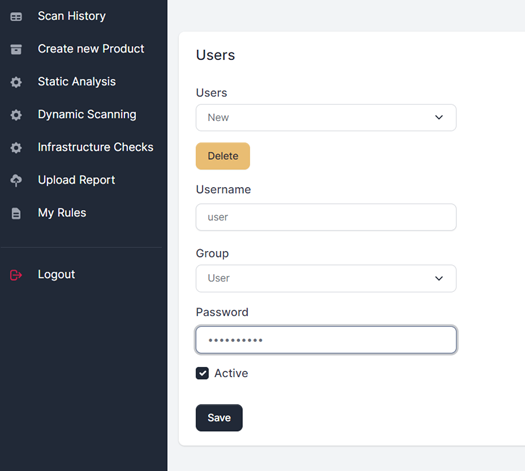
The member list shows each person's role, status and how their membership was created. Change the role or status and click Save:
| Status | Meaning |
|---|---|
| Active | The person works in the team with their role. |
| Suspended | Access to this team is blocked; their queued work does not start. Reactivate to restore it. |
| Removed | The person leaves the team. Their account and their other teams are not affected, and history keeps their name. |
The last active team admin cannot be demoted, suspended or removed, so a team is never left without an administrator. Members that single sign-on manages through directory groups follow their groups; they can only be suspended here.
Adding someone new: a local account
Under Add a local account, enter a user name and a role and click Create account. The account joins the team straight away.
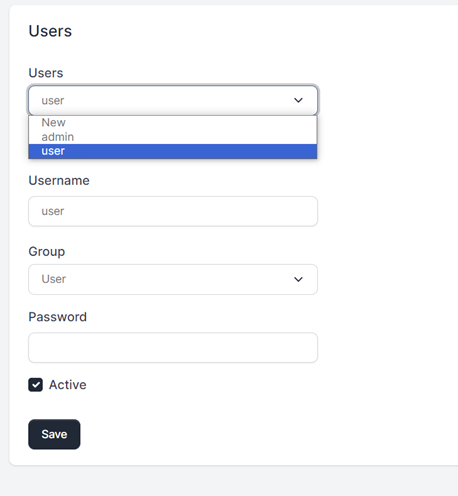
You do not choose a password. ScanSuite shows a password setup link once: send it to the person privately. They open it, choose their own password, and can then sign in. The link works once and expires after 72 hours.
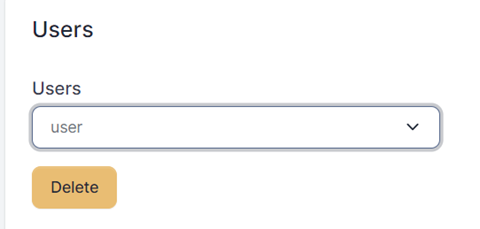
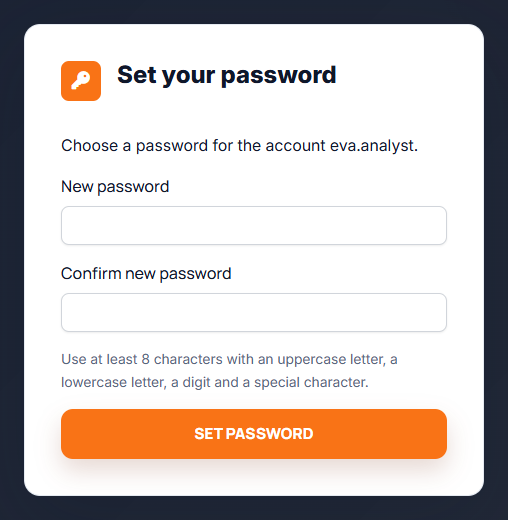
The link is the only way into the new account until it is used. Send it through a private channel, not a shared chat or ticket.
Passwords must have at least 8 characters, with an uppercase letter, a lowercase letter, a digit and a special character.
Resetting a password
Click Reset password next to the member. Their current password stops working at once and they are signed out everywhere. ScanSuite shows a new setup link to send them; any earlier unused link stops working.
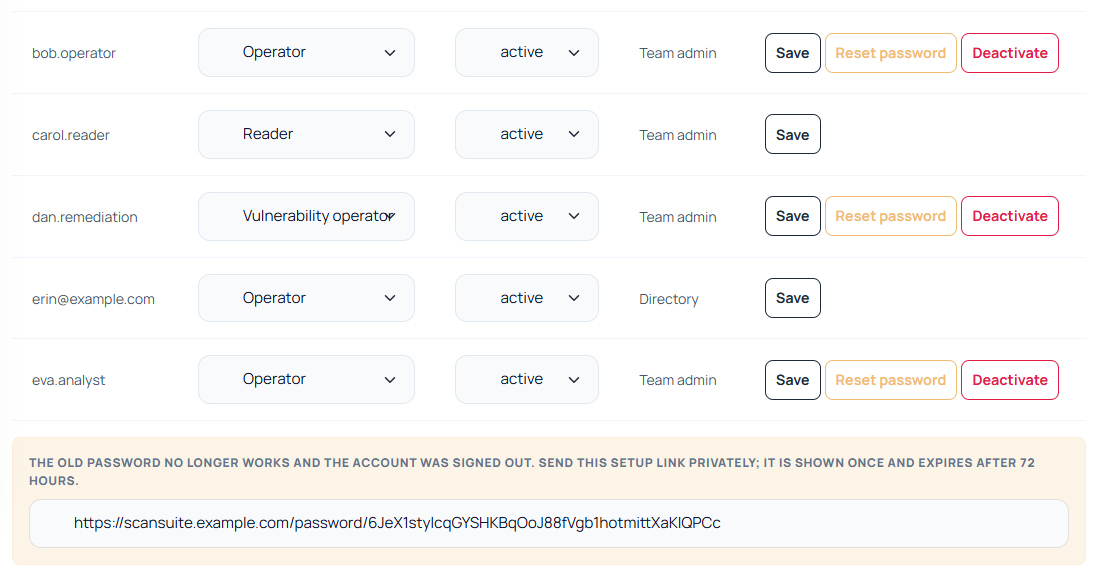
Deactivating an account
Deactivate signs the account out everywhere and prevents it from signing in to any team. Activate restores it.
Which accounts you can reset or deactivate
An account can belong to several teams. To keep an admin of one team from taking over someone in another, Reset password and Deactivate appear only for accounts that:
- belong to your team and to no other team, and
- sign in with a password rather than through single sign-on, and are not managed by directory groups.
For anyone else, change their role or suspend or remove them in your team. Your own account is changed under My account.
While the installation requires single sign-on, no new local accounts are created. There, only an installation administrator’s password can be reset.
Adding someone who already has an account
Under Add an existing account, type the account name, choose a role and click Add to team. They are a member immediately — there is no link to send and nothing to redeem. If they are already in the team, change their role in the member list instead.

My account
Everyone manages their own account under My account in the user menu:
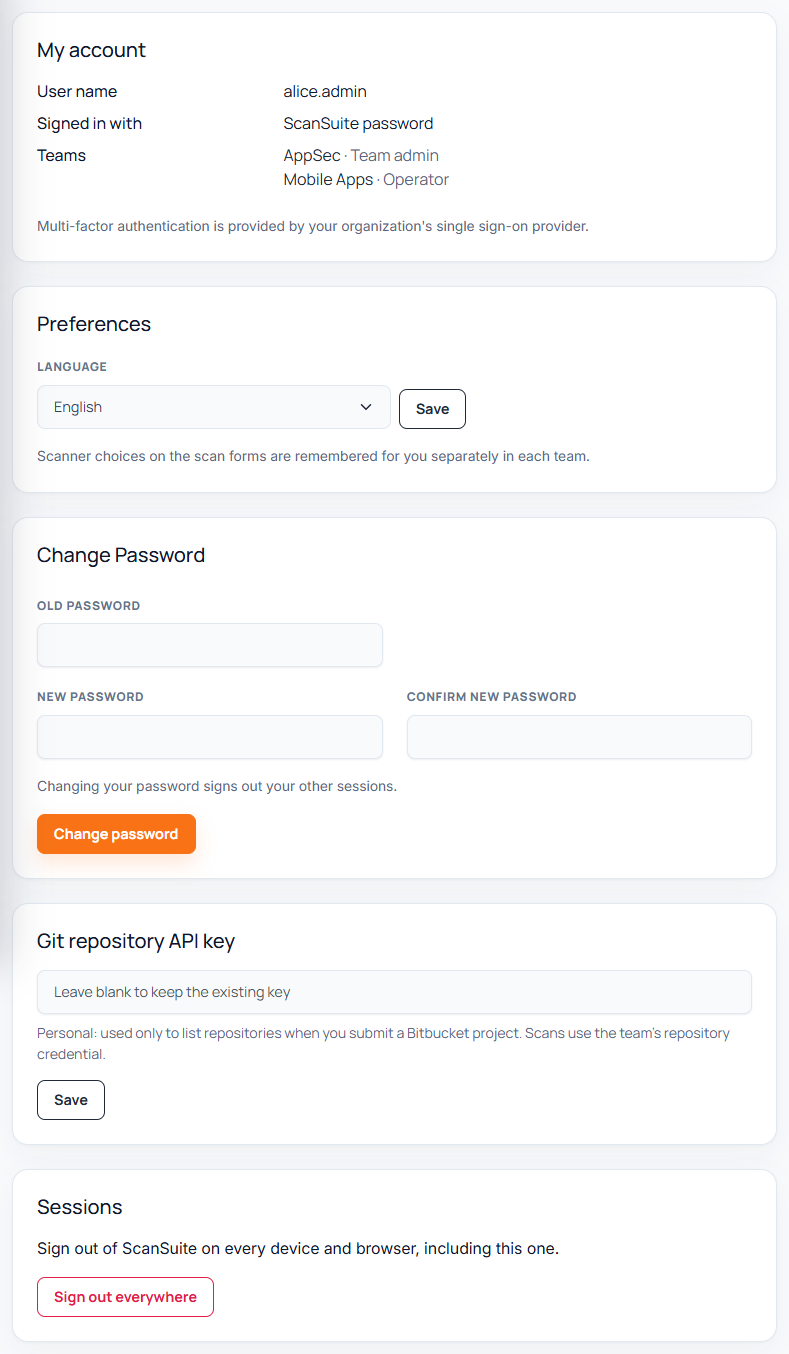
- the teams they belong to and their role in each;
- how they signed in (password or single sign-on);
- changing their password, which signs out their other sessions;
- the interface language;
- the personal Git API key, used only to list the repositories of a Bitbucket project;
- Sign out everywhere.
Accounts from the command line
The installation operator can also manage accounts on the server. This is needed for the first administrator of a new team, before anyone in that team can use the Members page:
docker compose exec web python -m authentication.accounts create
docker compose exec web python -m authentication.onboarding claim --team  --user  --base-url https://
The first command asks for the password. The second prints a one-time link that makes that account the team's first admin; it works only while the team has no admin. The same command, with --reason, recovers a team that has lost all of its admins.
Last reviewed 2026-09-29