Using ScanSuite
Assets
Hosts discovered by scans, with alerting on changes.
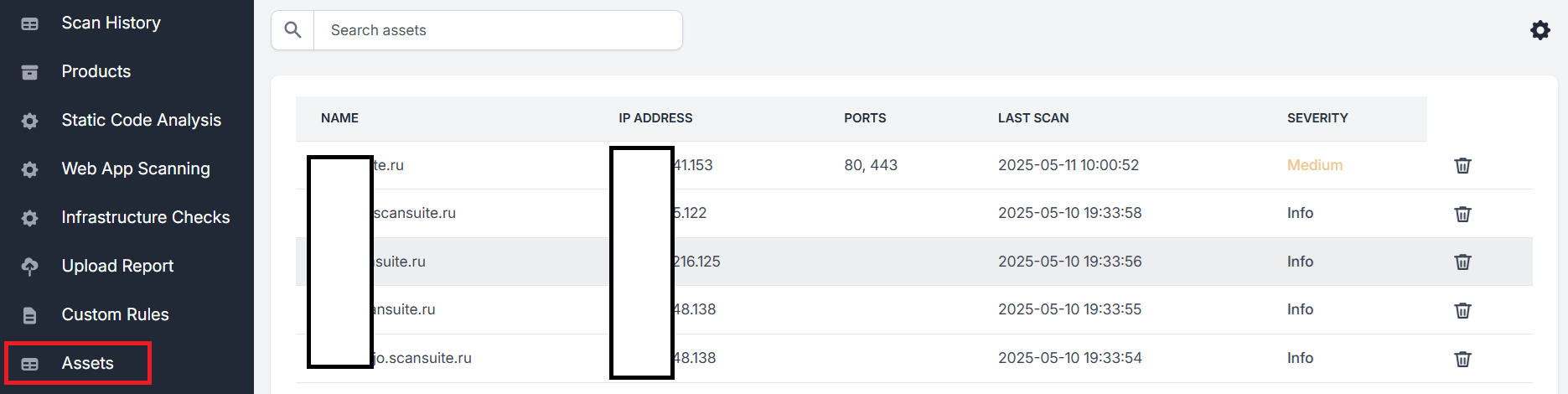
Hosts discovered during Network Discovery or a vulnerability scan are saved and accessible from the Assets tab.
All fields are sortable, and the list can be filtered by any value through Search assets:
Editing assets
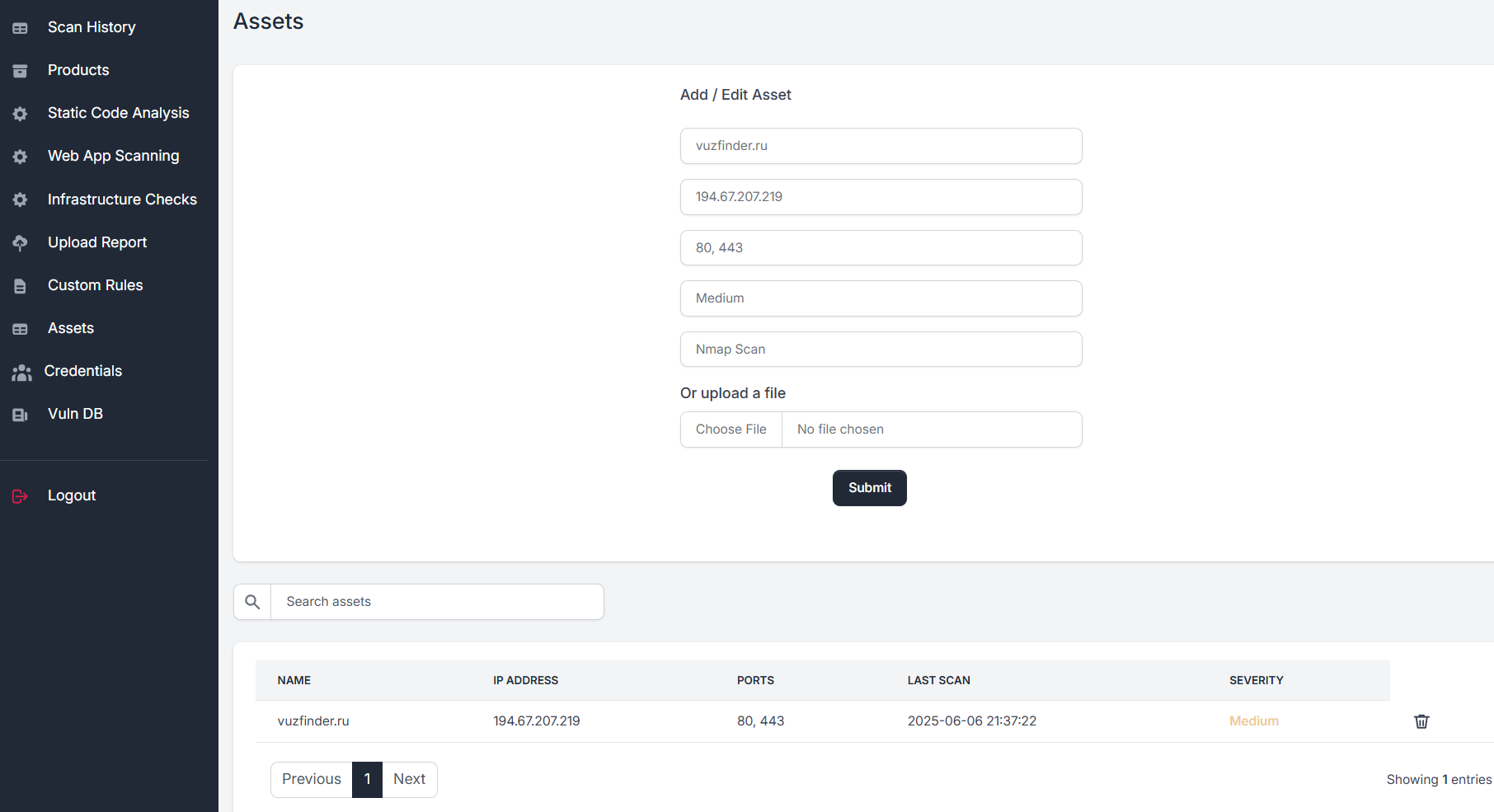
New assets can be added, and existing ones amended, by clicking the respective field:
Alerts
Email and Telegram alerts can be configured to trigger when:
- A new asset is added
- An asset's ports or severity change
Set these up in the Settings section — see Configuring API keys for external systems for the email and Telegram fields.
The change alert is the useful one. A new port appearing on a host you already knew about is usually the first sign of a configuration drift nobody announced.
Last reviewed 2026-08-16