Executing the AI-powered scan
Running AI Native SAST, and what the reachability gate does to the results.
AI Native SAST does not match patterns. A model reads each file in scope and reports what it finds as structured records, which is why logic flaws, broken authorization and unsafe data handling surface even when no rule exists for them — the class of bug a pattern scanner is structurally unable to see.
What a run actually does
- 01Scope discovery
Candidate files are selected by the main language you chose and by any Custom Scope patterns you supplied.
- 02Context building (optional)
Analyze security architecture builds a repository-level model of trust boundaries and data flow. Analyze Git history reviews recent commits for risky changes. Both feed scoring, so severity reflects how the application is actually built.
- 03Per-file analysis
The model reads every file in scope and returns structured findings.
- 04Reachability gate (optional)
A tool-using agent opens the surrounding code, follows callers and callees, and returns a strict reachable or not-reachable verdict with its rationale.
- 05Scoring and deduplication
Survivors are scored for exploitability, normalised to a canonical vulnerability class, and deduplicated by class, file and parameter — within the scan and against history.
The reachability gate
This is the option that changes the character of the results. With Verify findings reachability enabled, a finding is only reported if the agent can trace a path from an untrusted source to the dangerous sink. Unreachable findings never reach you; reachable ones arrive carrying a call-path diagram, so a reviewer can check the reasoning instead of trusting it.
A verdict is only accepted once the agent has read concrete source files and its rationale names the call path and file:line evidence. If it has not done that work, it is sent back to the tools rather than allowed to guess.
Choosing where the model runs
Any endpoint implementing the OpenAI API specification works, which covers hosted OpenAI, compatible gateways, and models running locally through Ollama, LM Studio and similar. Claude models on Google Cloud Vertex AI are supported as a second provider.
| Option | Trade-off |
|---|---|
| Cloud-hosted | Requires internet access and an API key. Code is transmitted to the provider for processing. |
| Locally hosted | Preferred for sensitive projects. Models run on self-hosted infrastructure and the source never leaves it. |
Submitting code to a cloud-based service may raise privacy or contractual concerns. For sensitive or proprietary codebases, use a locally hosted model.
Configuration is covered in AI providers and cost and Configuring API keys for external systems.
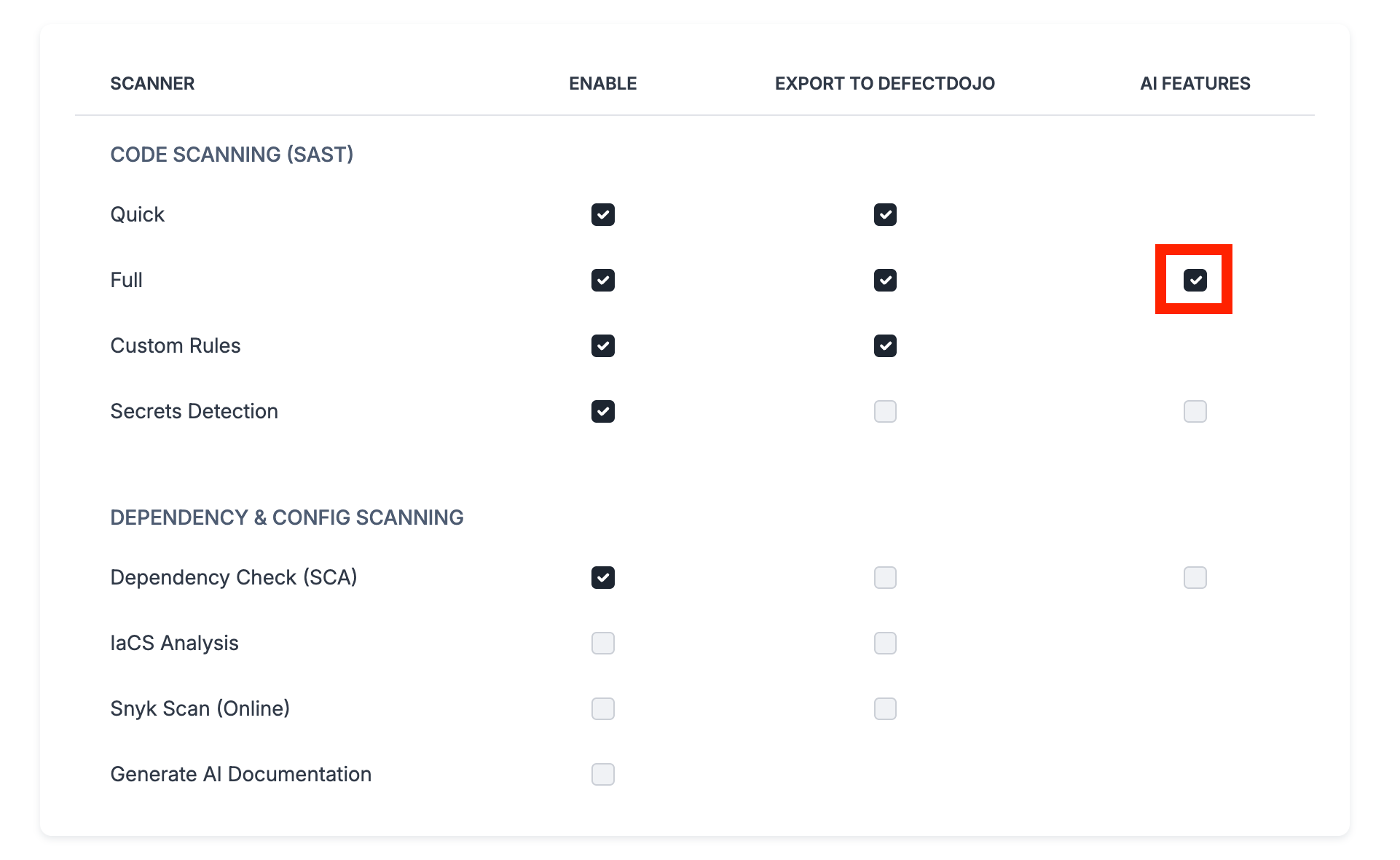
Cost and consistency
- Performance and cost. AI analysis takes longer than a traditional scan and may incur API fees. Scope the run to the code that carries the application logic; configuration files, vendored dependencies and generated code rarely repay the tokens.
- Variability. Each analysis is generated dynamically, so results can vary slightly between runs. Larger models (30B parameters and above) give more consistent results.
Token usage is recorded per scan, and once LLM prices are set it is shown in money, so the cost of a run is visible rather than inferred. See AI providers and cost.
Viewing the results
Starting the scan opens its page, where you follow the analysis stage by stage — Git history, architecture, source analysis, the cross-file hunt, validation, advisory and the report — and see the tokens and cost so far. When it finishes, the page counts the findings it added, confirmed, reopened and closed. See The scan page.
AI Native SAST findings land in Vulnerability Management alongside every other engine's output, and a standalone HTML report is generated for the run.
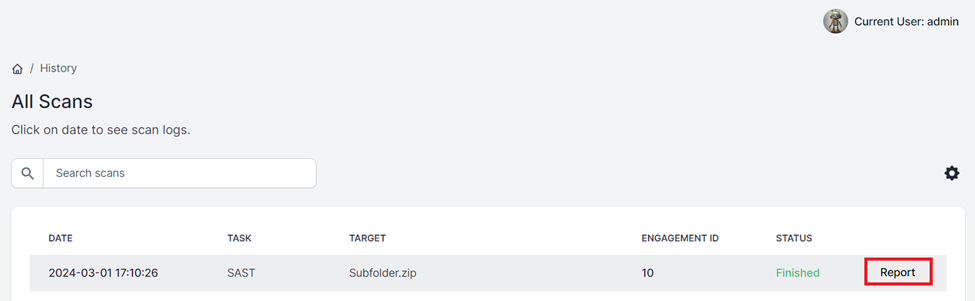
After the scan finishes, click Download report on its page, or Report in Scan History, to download the results. Reports are written as HTML, XLSX and JSON; the HTML report carries the risk summary, the reachability ordering and the call-path diagrams inline.
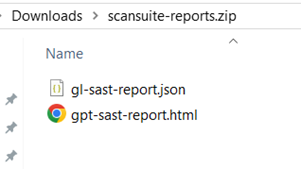
AI Native SAST results are not uploaded to DefectDojo. They are persisted in ScanSuite's own vulnerability management and available as downloadable reports.
Last reviewed 2026-09-25